











PMBet gives Tanzanian users a mobile way to access sports betting, casino games and account tools. This guide explains how to download the Android file safely, use the platform on iPhone or iPad, and resolve common installation issues.
What Is the PMBet App
The PMBet app is a mobile platform for sports betting and casino gaming. It puts markets, live events, games, deposits, withdrawals and account settings in a touch-friendly layout for phones and tablets.
Unlike a browser tab, an installed app can retain selected settings and send notifications when enabled. The mobile website remains a useful alternative for people who prefer not to install a file or are using a device that does not support the Android app.
Why Use the Mobile Application
The app is designed for smaller screens, with a compact bet slip and direct access to live markets. This can make it easier to follow changing odds while watching a match, but always review the selection, odds and stake before confirming a bet.
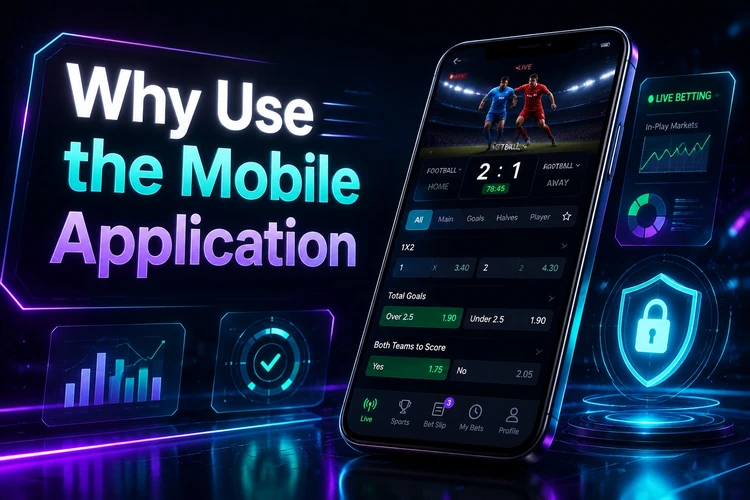
On supported devices, biometric sign-in may be available after it is configured in the app. Notifications are optional; use the settings to limit alerts if you only want account or bet-settlement updates.
How to Download PMBet
Download the Android APK only from the official PMBet site. Avoid copies shared through file-hosting services, messages or unofficial stores, since you cannot verify whether they have been changed. Check that the page uses the expected site address before starting the download.
Make space for the installation file and the app’s cached content before proceeding. A stable Wi-Fi or mobile-data connection helps prevent an incomplete file. Android compatibility can vary by device and operating-system version, so read any message shown by your phone before installation.
Installing the APK on Android
After the file finishes downloading, open it from the notification panel or your Downloads folder. Android may ask you to allow the browser or file manager used for the download to install unknown apps. This permission applies to that source, not to every app on the phone.
- Check the file: confirm that the download completed before opening it.
- Allow installation: use the Android prompt to grant permission to the relevant browser or file manager.
- Install and open: tap Install, then launch the app when Android confirms completion.
- Sign in: use existing details or create an account in the app if that option is available.
Once you have finished, you can switch off the unknown-app permission again in Android settings. If you need access to an existing profile, use the account login page rather than creating duplicate details.
Using PMBet on iOS
PMBet does not currently provide a native iOS app through the App Store. iPhone and iPad users can access the platform in Safari through the mobile website, where available features and payment options are displayed for the account.
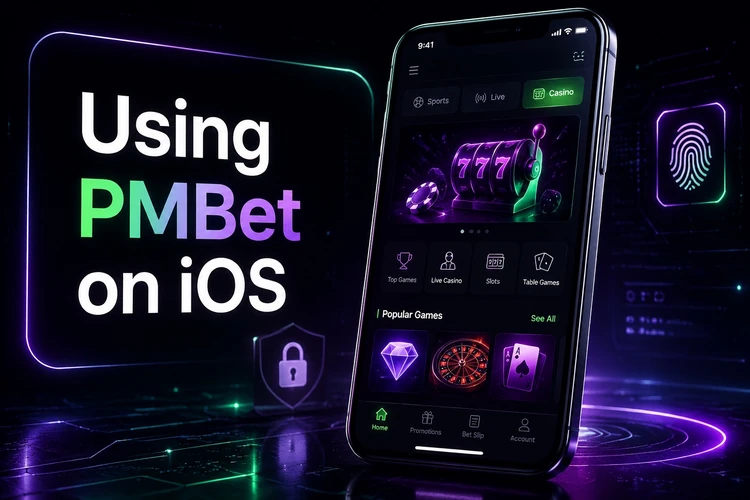
For quicker access, Safari lets you add a website shortcut to the Home Screen through its Share menu. The shortcut opens the mobile site without requiring an APK, and website changes are available when the page is next loaded.
Latest Version and Updates
Use the current Android version whenever possible. Updates can address errors, improve compatibility with newer Android releases and make changes to the interface. Check the version number in the app settings, then follow an in-app update notice or download the current file from the official site.
Installing a new file over the existing app normally preserves local app data, but it is sensible to know your login details first. Do not interrupt an update by restarting the phone or deleting the file while installation is in progress.
Older Versions and Compatibility
An older release may seem useful when a new version has a device-specific issue, but it can lack fixes included in later updates. It may also stop working if the platform no longer supports it. Do not obtain old APK files from unverified archives.
If the current app does not run on your device, check for available system updates and contact support through the contact page. Include the phone model, Android version and the exact error message to help identify the problem.
Features Available in the Mobile App
The sportsbook includes pre-match and live markets across football, basketball, tennis, cricket and esports. Common options include match winner, totals and both-teams-to-score markets. The bet slip shows the stake and potential return before confirmation, while account tools display open bets and settled results.
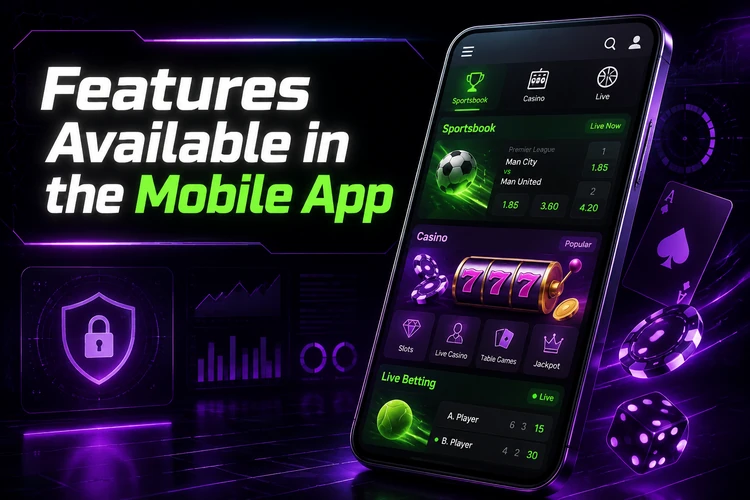
The casino area may include slots, table games and live dealer tables, subject to availability. You can review promotional terms through the promo code page before opting in. Transaction history and notification preferences are managed from the account area.
Security and Safe Usage
Use the official source for downloads and keep both Android and the app up to date. Set a unique password with a mix of characters, do not share it, and avoid saving credentials on shared devices. Log out when using a phone that other people can access.
Public Wi-Fi can be risky for financial activity. Prefer a trusted connection when signing in, depositing or withdrawing, and check your transaction history regularly. If you notice an unfamiliar login or transaction, change your password and contact support promptly.
Troubleshooting Common Issues
If an APK will not install, first confirm that the permission to install unknown apps is enabled for the browser or file manager that downloaded it. Free storage space, delete the incomplete file and download a fresh copy if Android reports that the package is invalid or corrupted.
For an app that freezes or closes, restart the phone and clear the app cache in Android settings. Clearing app data can help with persistent problems, but it signs you out and resets local preferences. If login fails, check the entered details carefully and use the password recovery option where available. Play responsibly and only if you are 18+.
FAQ
Use the official PMBet website on an Android phone to access the current installation file. Avoid third-party stores and shared APK copies.
Open the completed file, allow your browser or file manager to install unknown apps when Android asks, then follow the installation prompts.
There is no native iOS app through the App Store. iPhone and iPad users can use the mobile website in Safari.
Check the app settings or an update notice, then install the current file from the official site. Keep your login details available before updating.
Check the unknown-app permission, free storage space and download status. Delete a damaged or incomplete file and download it again from the official source.
Yes. Sign in with the same account details used on the website. Use account recovery if you cannot remember the password.